
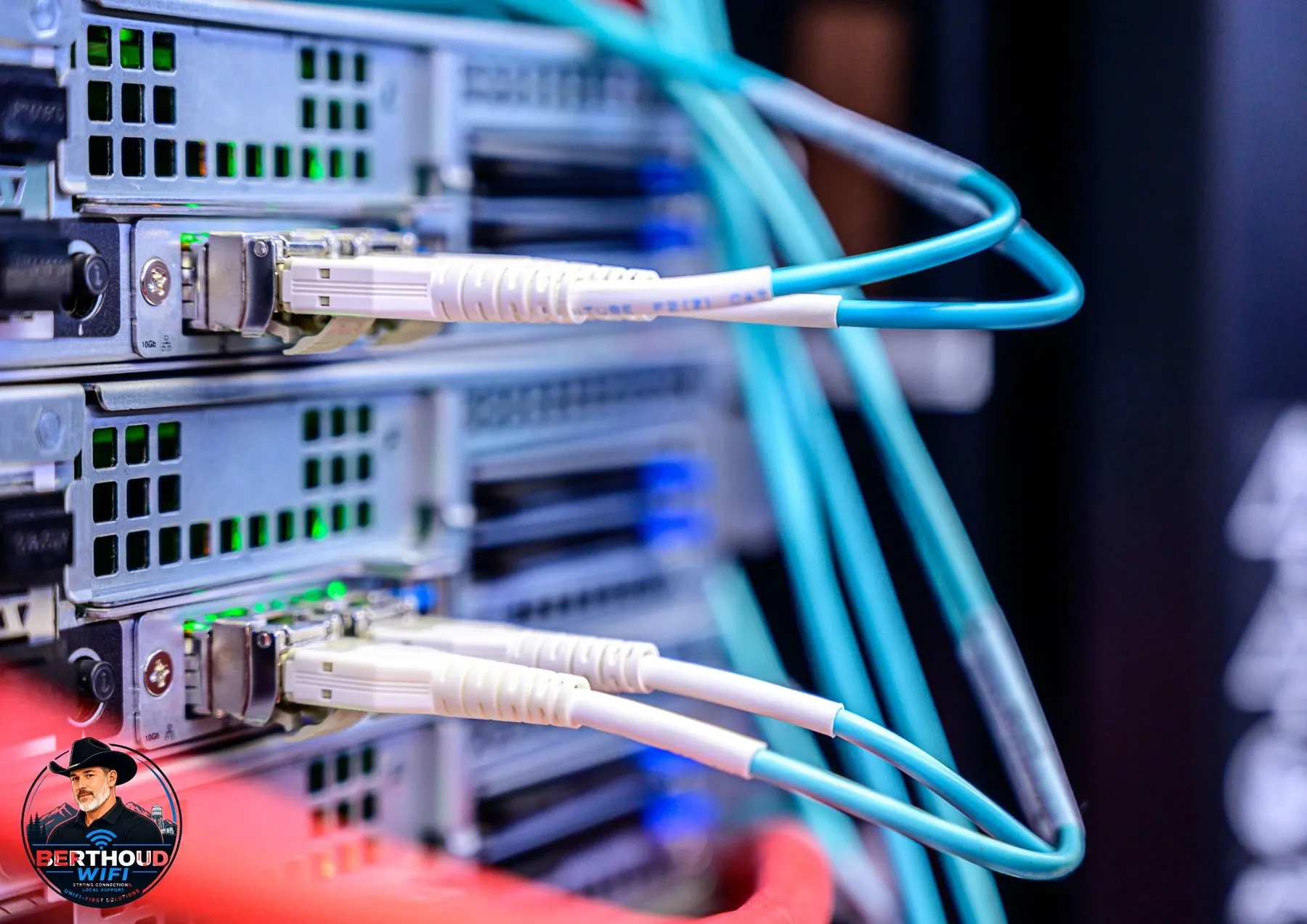
Plan a clean network rack with patch panels, switching, gateway, recorder, UPS, cooling, and expansion space.
Choose the rack size
Rack size depends on cable count, gateway, switches, recorder, shelves, UPS, and future equipment.
A small wall rack may be enough for a home, while businesses may need larger floor or wall systems.
Plan equipment order
Patch panels, cable management, switches, gateway, recorder, shelves, and UPS should be arranged for service access and airflow.
Heavy equipment should be supported appropriately.
Allow for power and cooling
Network equipment produces heat and needs reliable power.
UPS runtime, ventilation, and circuit capacity should be considered.
Label everything
Permanent cables, patch-panel ports, switch ports, uplinks, and remote buildings should be labeled.
Documentation reduces troubleshooting time.
Leave room for growth
Spare rack units, switch ports, PoE budget, and patch-panel capacity make future expansion easier.
A rack should not be full on the day it is installed.
Serving Northern Colorado
Berthoud WiFi is based in Berthoud and serves Loveland, Fort Collins, Longmont, Erie, Boulder, Windsor, Johnstown, Timnath, Mead, Frederick, Firestone, Wellington, Greeley, and nearby communities.
Frequently asked questions
Do homes need racks?
Many homes benefit from a small wall rack or structured enclosure when they have several cables and devices.
Can a UPS go in the rack?
Yes, when the rack supports the weight and ventilation.
Should the recorder be in the rack?
Often yes, if airflow, storage access, and service needs are addressed.
Can you clean up an existing rack?
Yes. Existing equipment can be reorganized and labeled.
Related resources
Need help choosing or installing the right system?
Tell us about the property, current equipment, and what needs to work better.
Get a quote