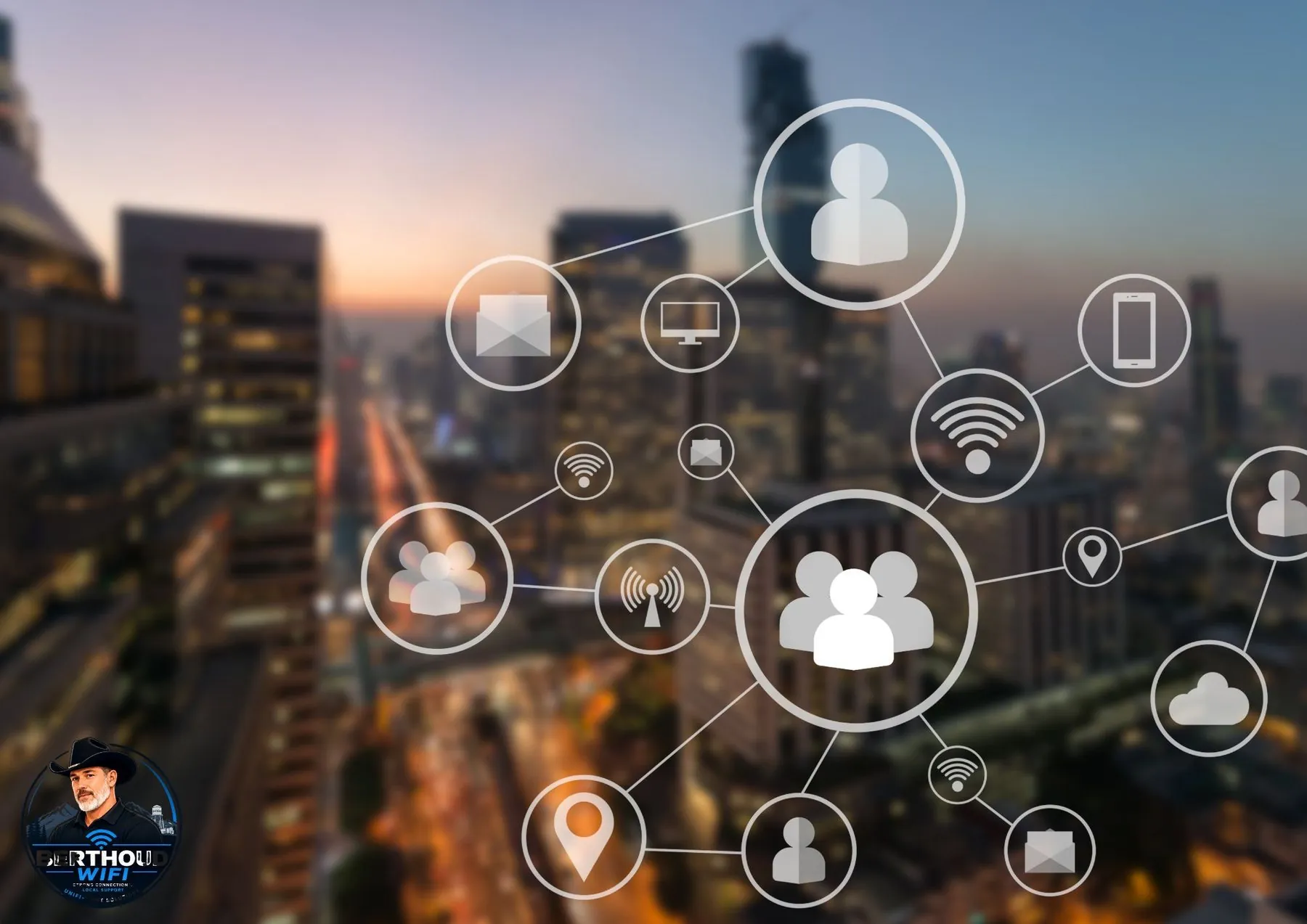
Putting every device on one flat network is simple, but simplicity can become a liability as a property adds cameras, televisions, speakers, thermostats, printers, guest devices, work computers, access control, and other connected equipment. Network segmentation creates boundaries so devices only have the access they actually need.
What network segmentation does
Segmentation divides one physical network into logical networks with different rules. In managed networks, VLANs are commonly used to carry those logical networks across switches and access points. A firewall or gateway then controls what each segment may reach.
The goal is not to make a house or office complicated. The goal is to keep a guest phone from having the same network access as a work computer, security recorder, or infrastructure controller when there is no reason for those devices to communicate.
A practical home layout
A home does not need a dozen VLANs. A few meaningful zones are usually easier to operate: a trusted network for personal computers and phones, an IoT network for smart-home devices, a guest network for visitors, and possibly a dedicated security network for cameras or access-control equipment.
Some smart-home platforms rely on local discovery between phones and devices. That means segmentation rules may need to allow specific discovery or controller traffic rather than blocking everything blindly. Good security design preserves the functions you actually use.
- Trusted devices: personal computers, phones, tablets, and administrative systems
- IoT: televisions, speakers, thermostats, appliances, and other embedded devices
- Guest: internet access for visitors without access to internal systems
- Security: cameras, recorders, door access, and related infrastructure when appropriate
Small businesses benefit even more from separation
A small business may have employee devices, point-of-sale equipment, printers, cameras, building controls, phones, guest WiFi, and management interfaces on the same property. Separating those roles helps reduce unnecessary lateral access and makes troubleshooting clearer.
Segmentation should complement, not replace, endpoint security, patching, strong administrator authentication, backups, and sensible firewall rules. A VLAN is a boundary-building tool, not a complete security program.
Guest WiFi should actually be isolated
A guest SSID is most useful when clients can reach the internet but cannot browse internal subnets or talk directly to other guest devices unless there is a business reason to allow it. Simply creating a differently named WiFi network does not guarantee meaningful isolation.
For offices, shops, churches, short-term rentals, and customer-facing spaces, a properly isolated guest network provides convenience without placing unmanaged personal devices directly beside business systems.
Keep the design understandable
Over-segmentation can create its own operational problems. Printers disappear, casting stops working, support gets confusing, and future changes become risky when nobody remembers why a rule exists. Document network names, VLAN purposes, allowed traffic, and administrator ownership.
The best design is the simplest one that creates useful boundaries. If a rule cannot be explained in plain language, it probably needs better documentation or reconsideration.
Frequently asked questions
Do I need VLANs at home?
Not every home needs them, but VLANs can be useful when you have many smart devices, cameras, work systems, or frequent guests and want clearer boundaries between device types.
Will putting smart devices on another network break them?
It can if the devices depend on local discovery or direct communication that the firewall blocks. A good design allows the specific traffic needed while keeping unnecessary access restricted.
Is a guest WiFi name by itself secure separation?
Not necessarily. The guest network should also have gateway or firewall rules that prevent access to internal networks and, where appropriate, isolate guest clients from each other.
Want the network designed around the property?
Berthoud WiFi designs and installs home and small-business networks, structured cabling, cameras and connected-property systems across Northern Colorado.
Request a quote