4. Cabling and preparation
We route and terminate appropriate cabling, prepare mounting locations, organize network closets, and confirm power and equipment placement.
Berthoud WiFi handles network, camera, access, fiber, and building-connectivity installations for homes, small businesses, and rural properties across Northern Colorado.
We begin with the problem you are trying to solve: dead zones, unreliable internet, camera coverage, a detached building, outdated equipment, or a new installation. We review the property type, internet service, current equipment, goals, budget, and timeline.
We evaluate the floor plan, building materials, cabling, mounting locations, power, line of sight, network closet, and outdoor areas. The design may include UniFi gateways, U6 or U7 access points, managed switching, cameras, access control, fiber, bridges, and structured cabling.
You receive a clear scope describing the recommended work and equipment. We explain why specific models are being recommended and when a proven U6 model may be a better fit than a newer WiFi 7 option.
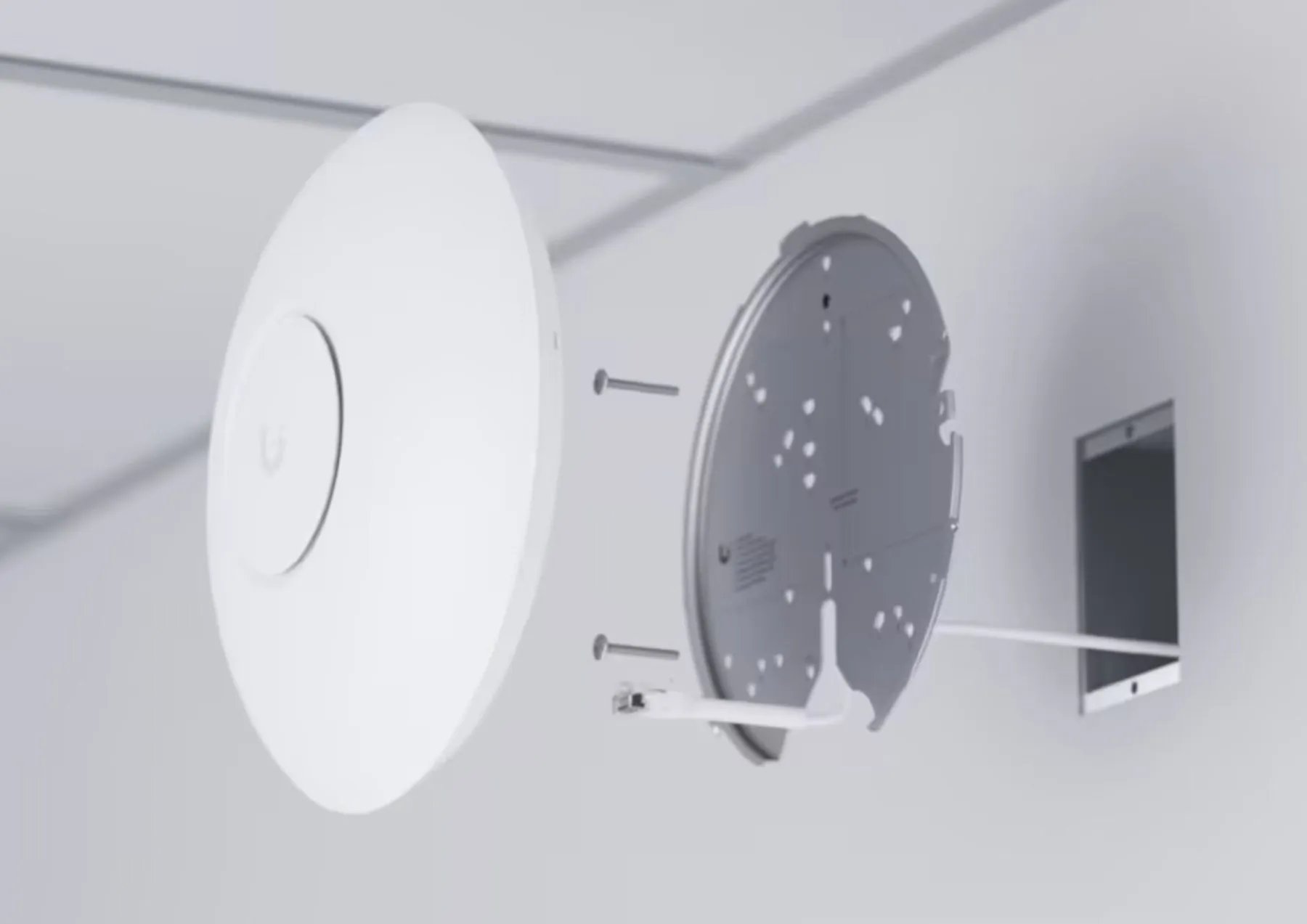
We route and terminate appropriate cabling, prepare mounting locations, organize network closets, and confirm power and equipment placement.
Gateways, switches, access points, cameras, bridges, recorders, and access devices are mounted and connected cleanly.
We configure internet access, WiFi networks, guest access, device segmentation, cameras, recording, alerts, and management settings.
Coverage, roaming, wired links, camera views, bridge performance, and internet connectivity are tested before handoff.
Cables and equipment are organized, unnecessary hardware is removed where agreed, and the installation area is left clean.
We review the finished system, explain day-to-day use, provide relevant documentation, and discuss ongoing support options.
These are real installations and project environments—not staged stock photography. Every property is different, but the same priorities carry through: sound design, serviceable infrastructure, careful installation, and thorough testing.
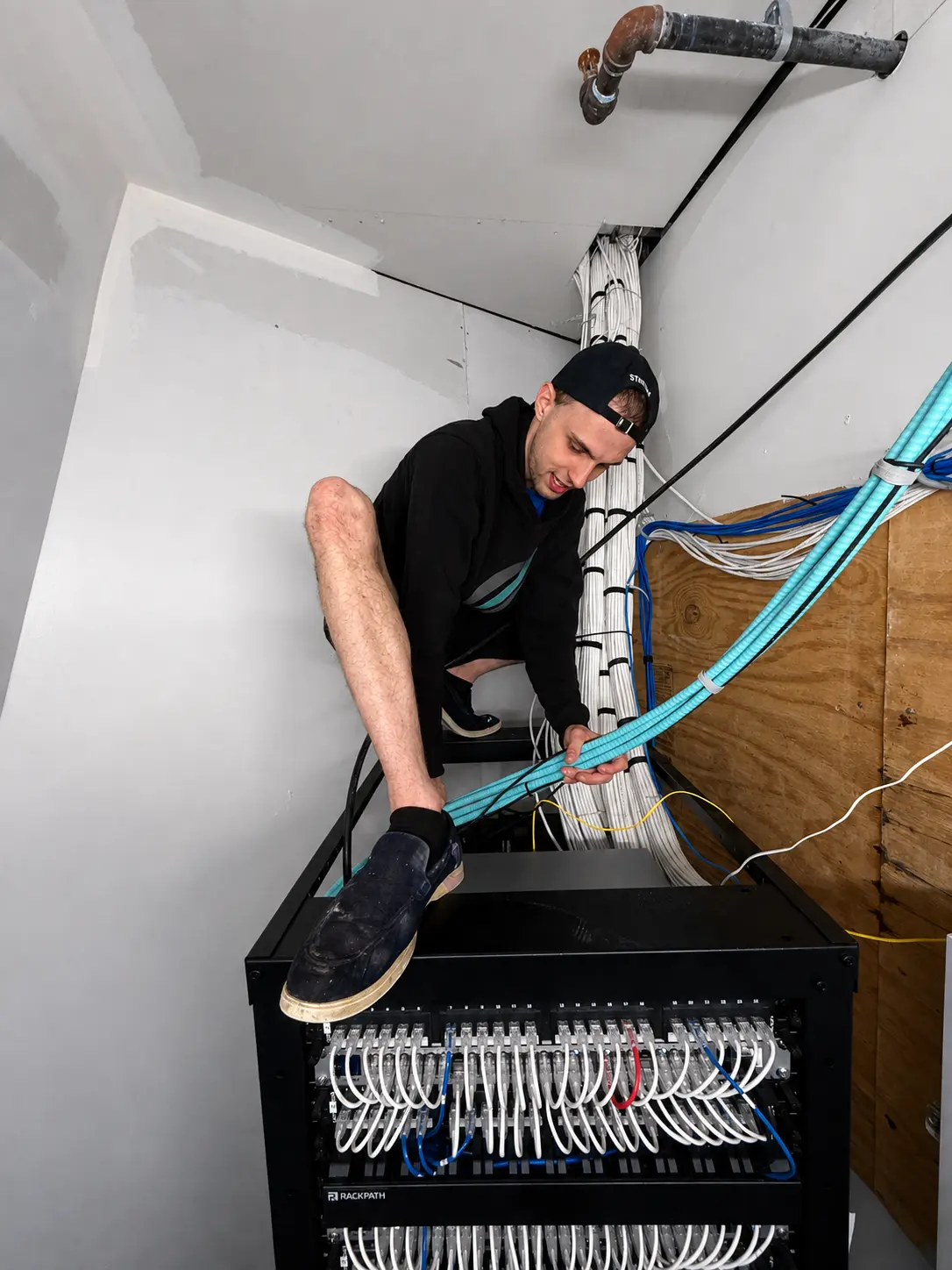
Hands-on rack and cabling work during an active infrastructure installation.
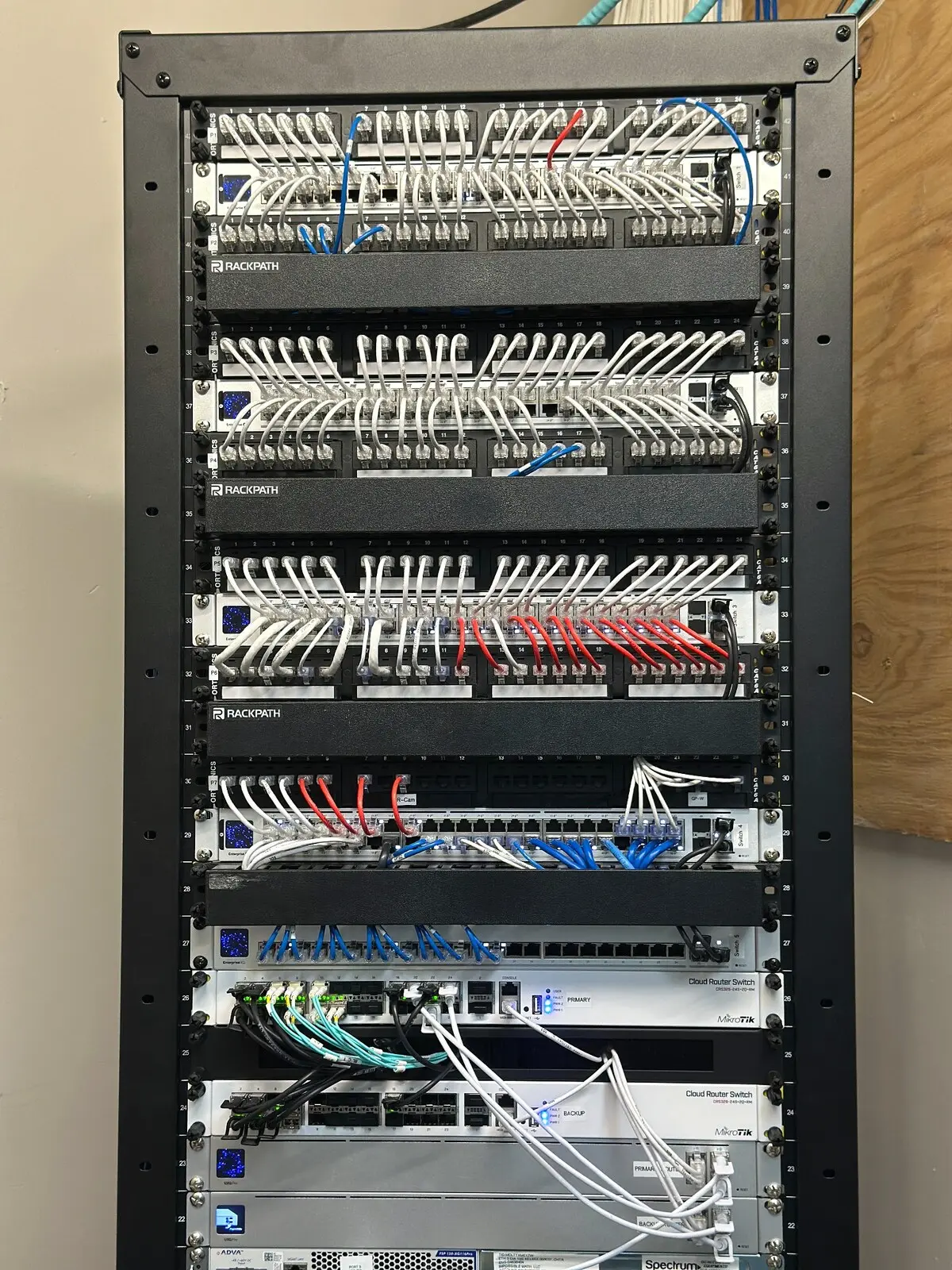
A completed rack combining switching, routing, patching, and fiber connectivity.
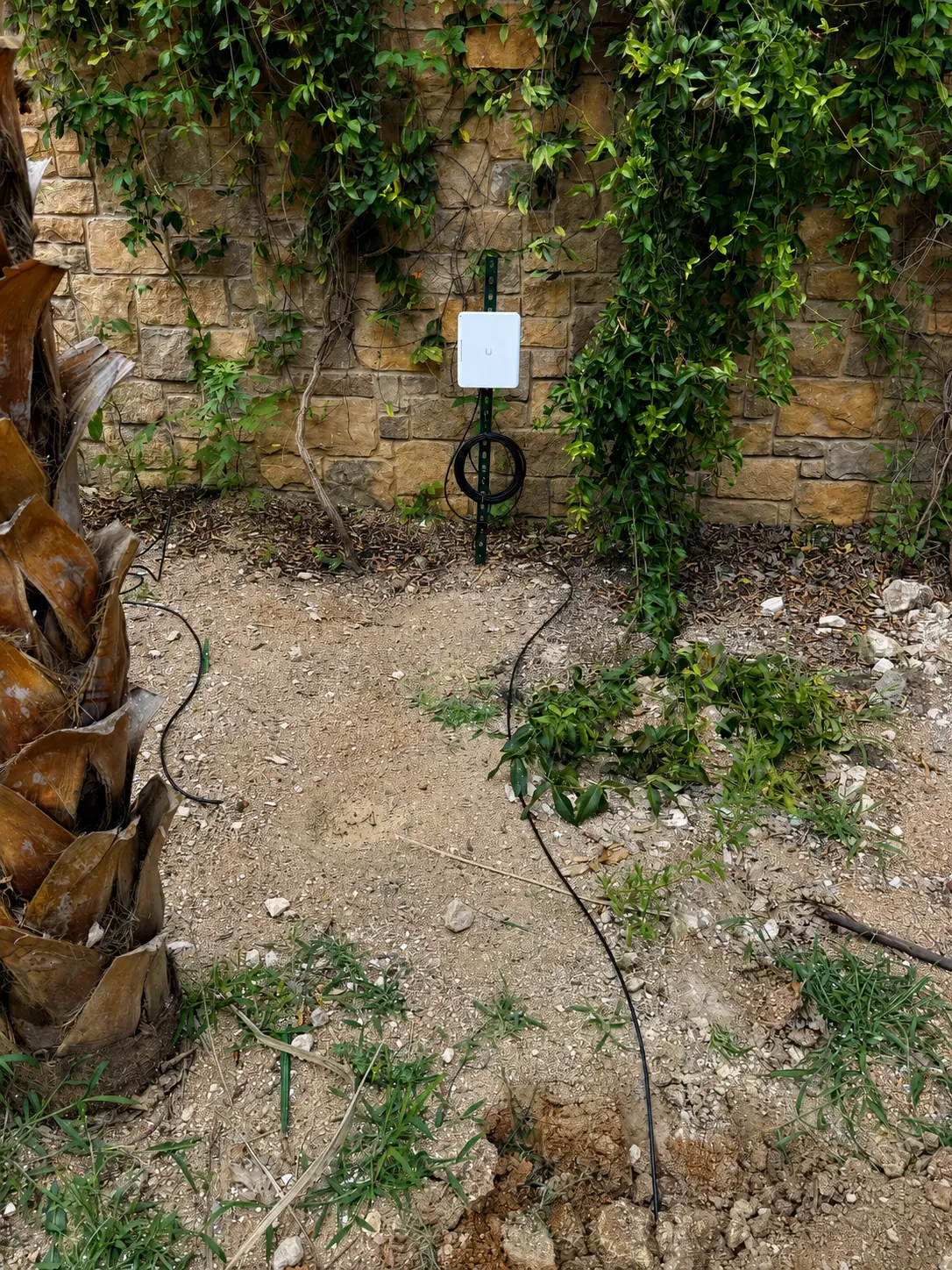
Purpose-built wireless equipment supporting coverage beyond the main building.
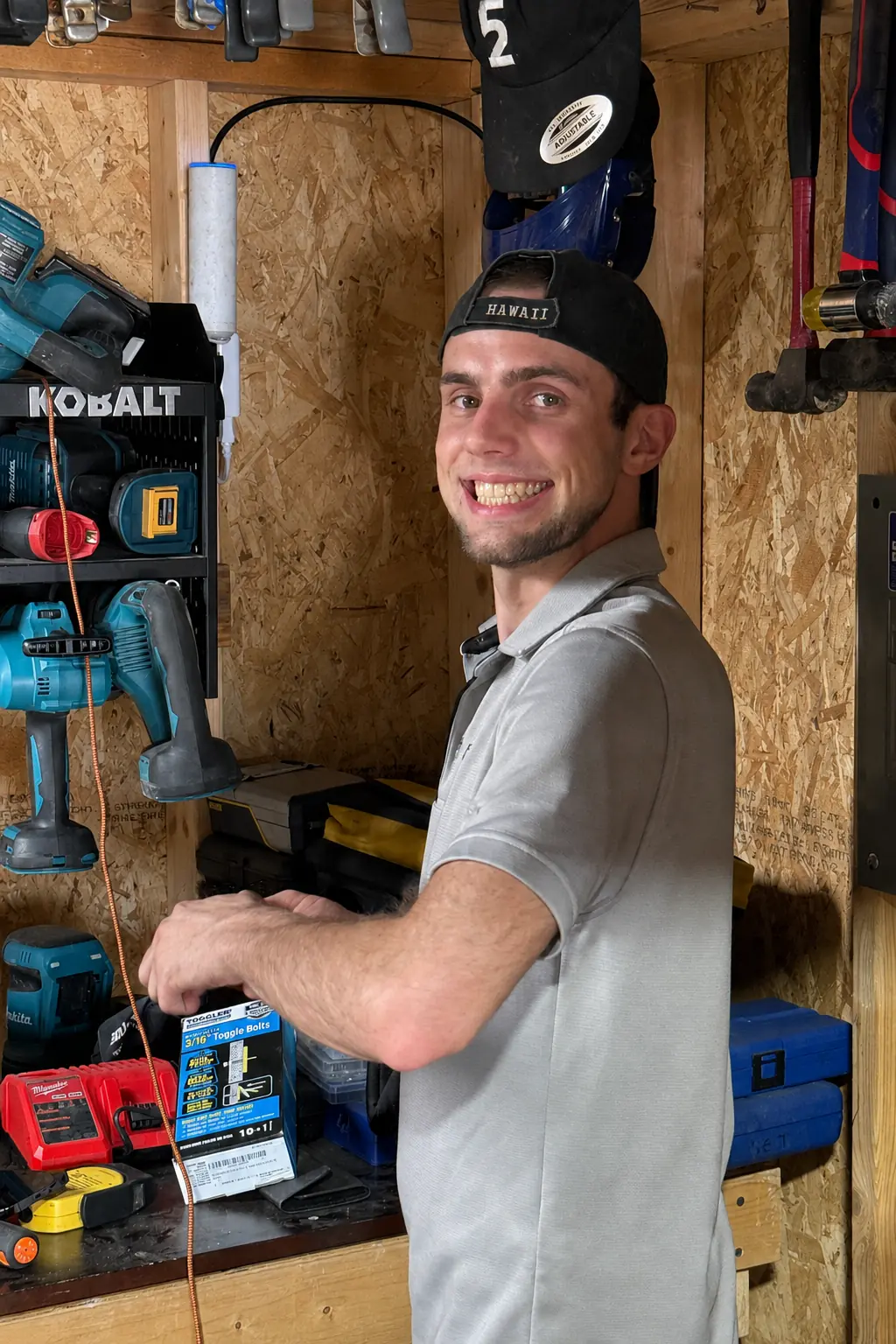
Preparing mounting hardware and tools before work begins on site.
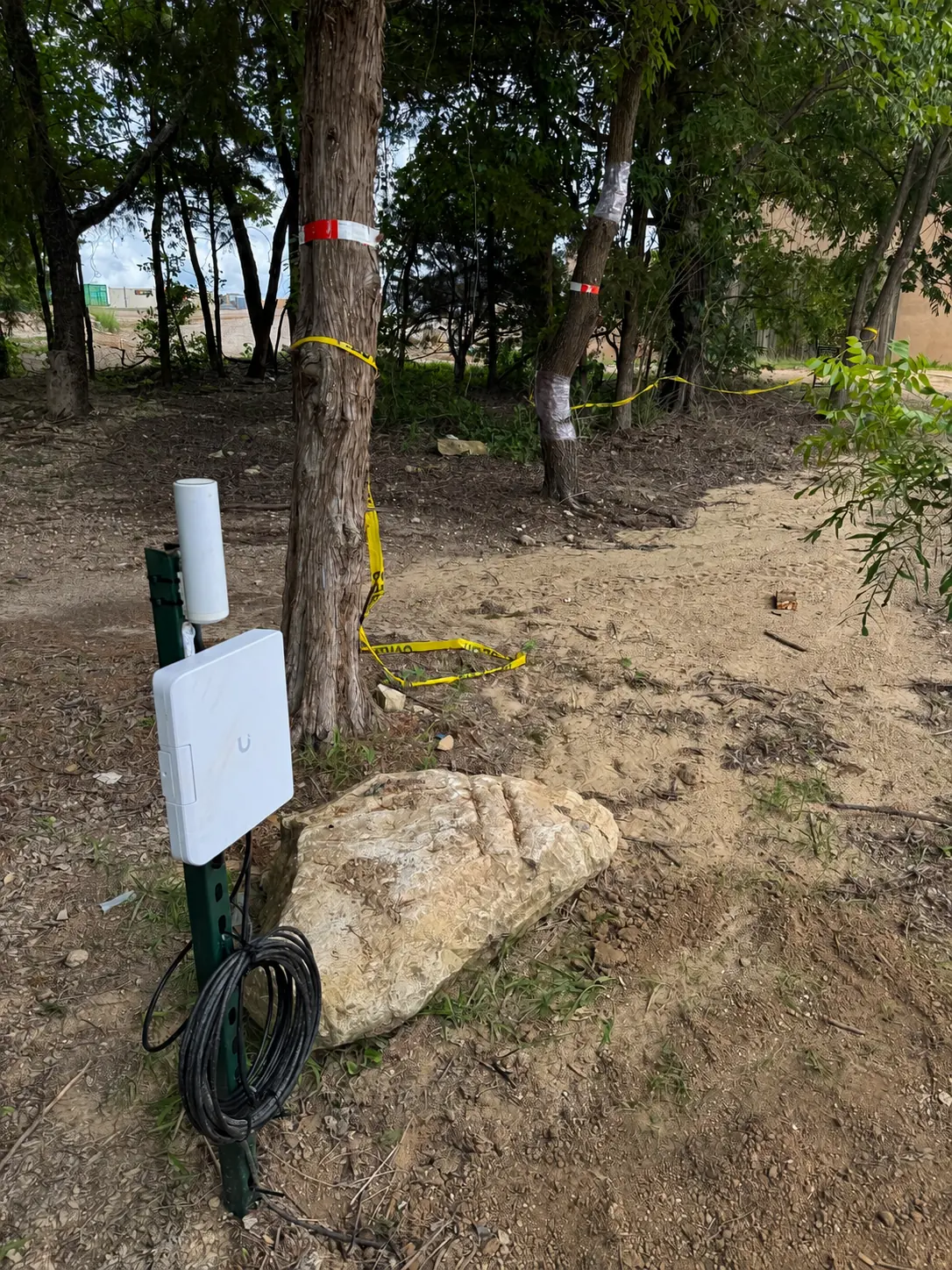
Planning a dependable link through a wooded property with real line-of-sight constraints.
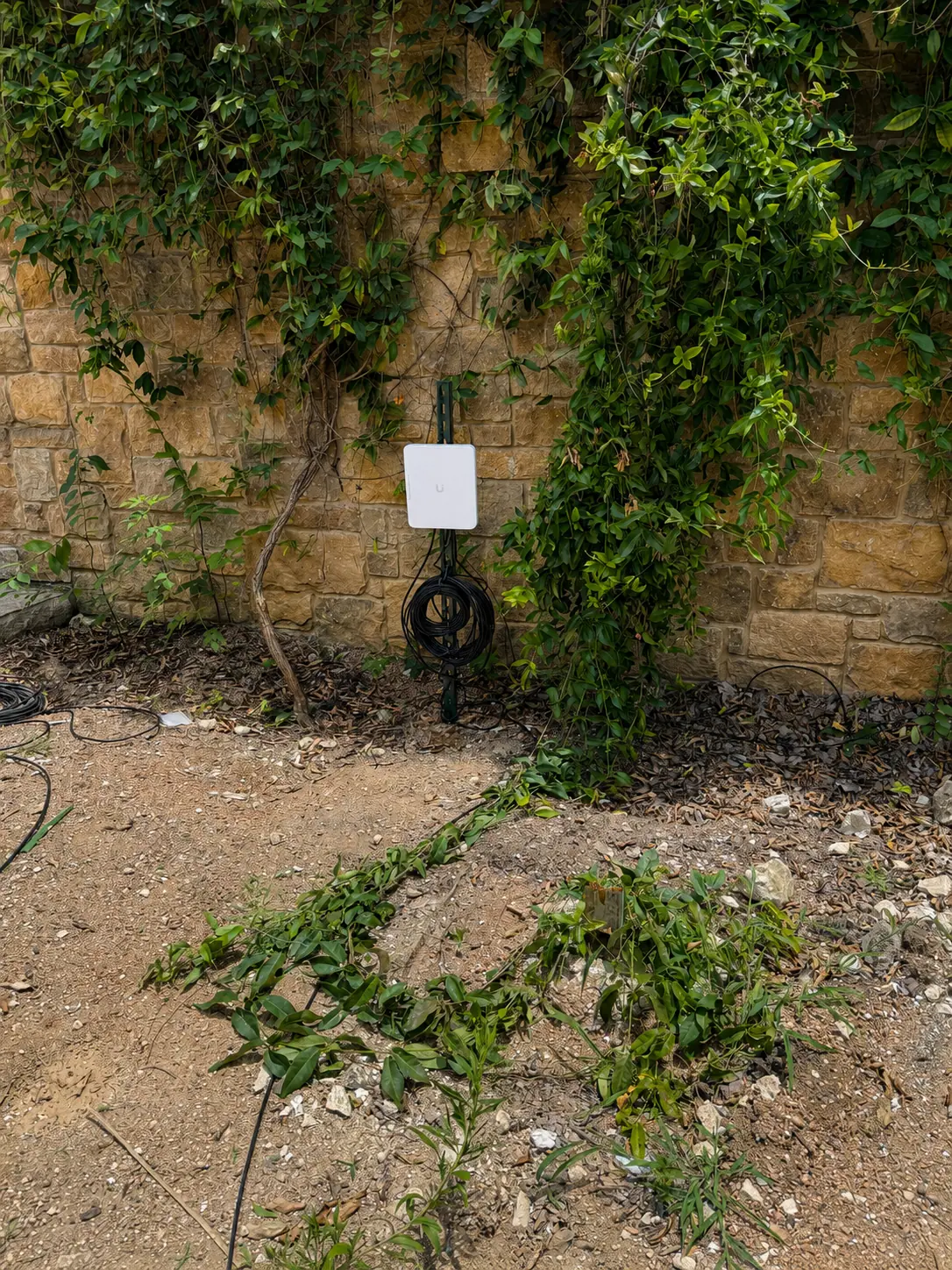
Equipment placed for useful coverage with serviceable cable management.
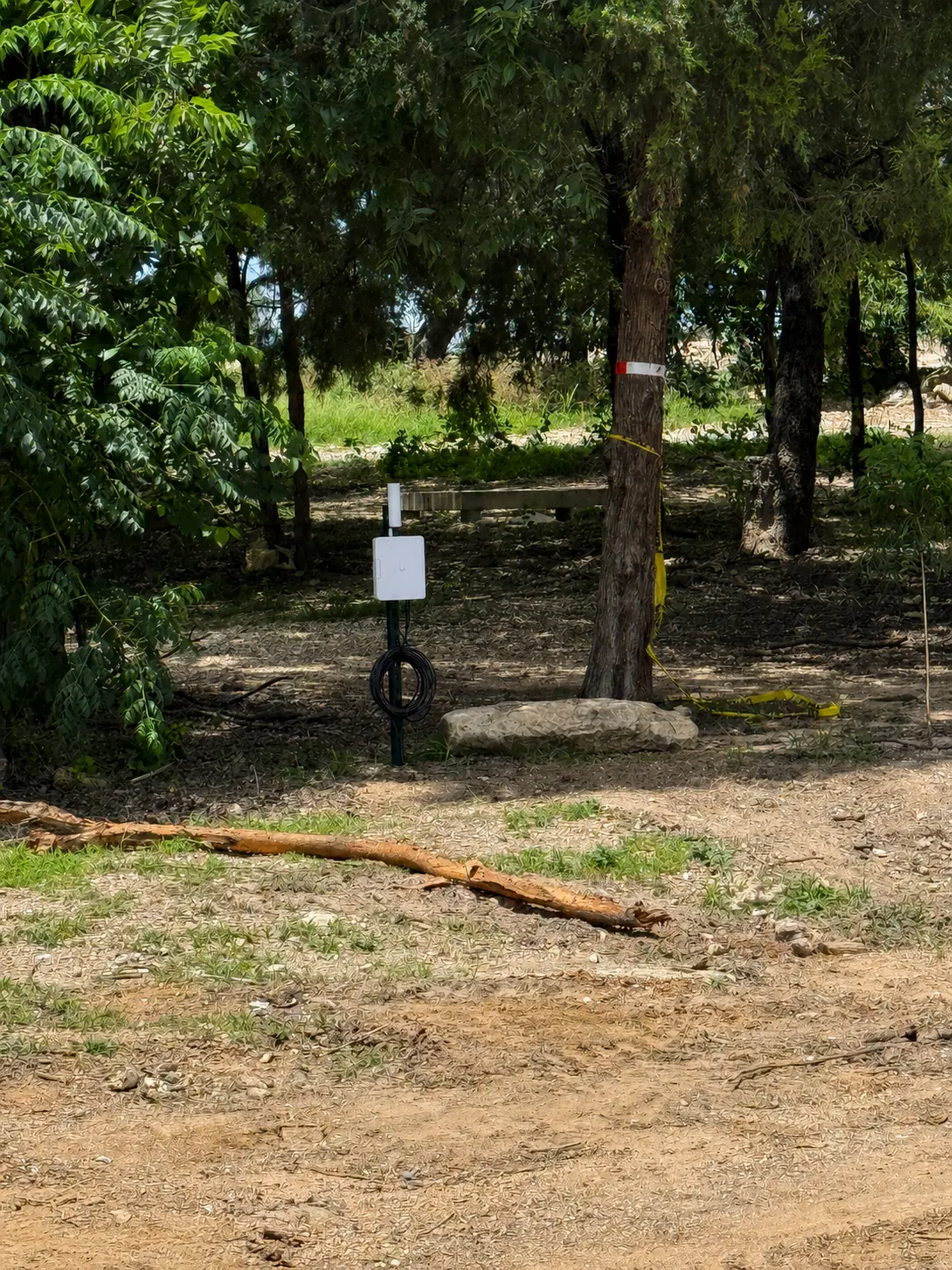
Verifying placement and the real-world path between network locations.
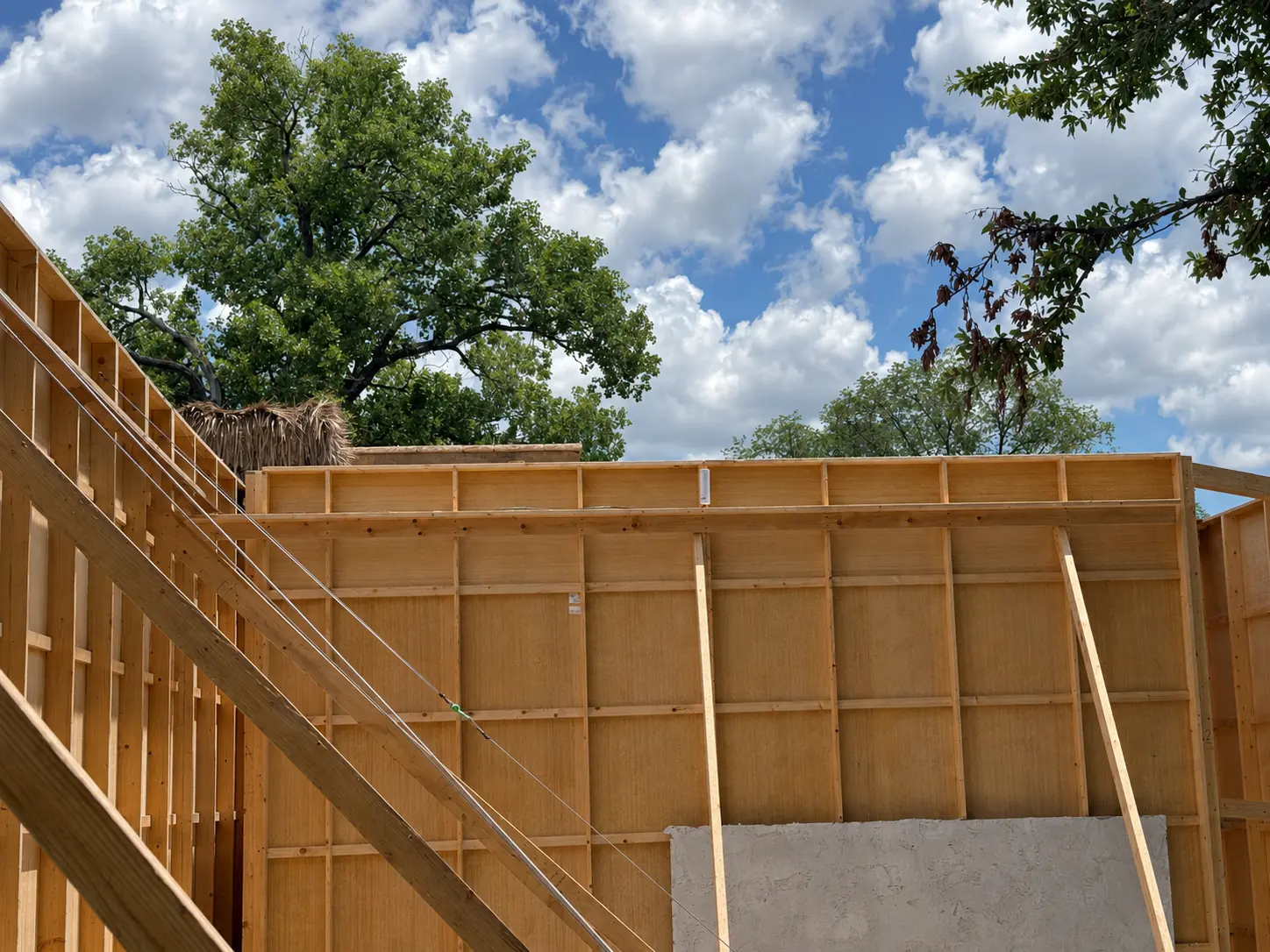
Choosing access-point locations before walls close makes cabling cleaner and coverage stronger.
We install both UniFi U6 and U7 access points. The newest product is not automatically the best choice. Some U6 models offer stronger radio configurations for specific environments, while U7 models may be appropriate for newer client devices, 6 GHz use, or future planning. We select equipment based on real coverage, density, internet speed, cabling, and budget.
Smaller home or office projects may be completed in one day. Larger camera, cabling, fiber, access-control, or multi-building projects may require multiple visits. The proposal will identify the expected scope and sequence before work begins.
We perform residential WiFi installations, small-business network installations, UniFi Protect camera installations, fiber and structured cabling, rack builds, building bridges, outdoor WiFi, rural property connectivity, and network modernization.
Describe the property, the current problem, and the result you need.
Share the property, the problem areas, and what you need the network to support. We will review the details and follow up with practical next steps.